

What to Do When Visa Locks Your Card: A Clear, Step-by-Step Guide to Unlocking It and Protecting Your Money
Having Visa lock your credit card is stressful and disruptive. This guide walks you through the exact steps to get your card working again, how to protect your accounts while it’s locked, and ways to reduce the chance it happens again. You’ll also learn the reasons behind Visa security alerts and practical tips to manage your money while you sort things out. Follow these steps and you’ll be back in control of your finances quickly and safely.
We’ll cover: how to unlock your card, immediate ways to protect your money, prevention tips to avoid future lockouts, why Visa might lock a card, and how tools like CalendarBudget can help you recover and stay organized after a lock.
Steps to Unlock Your Card:
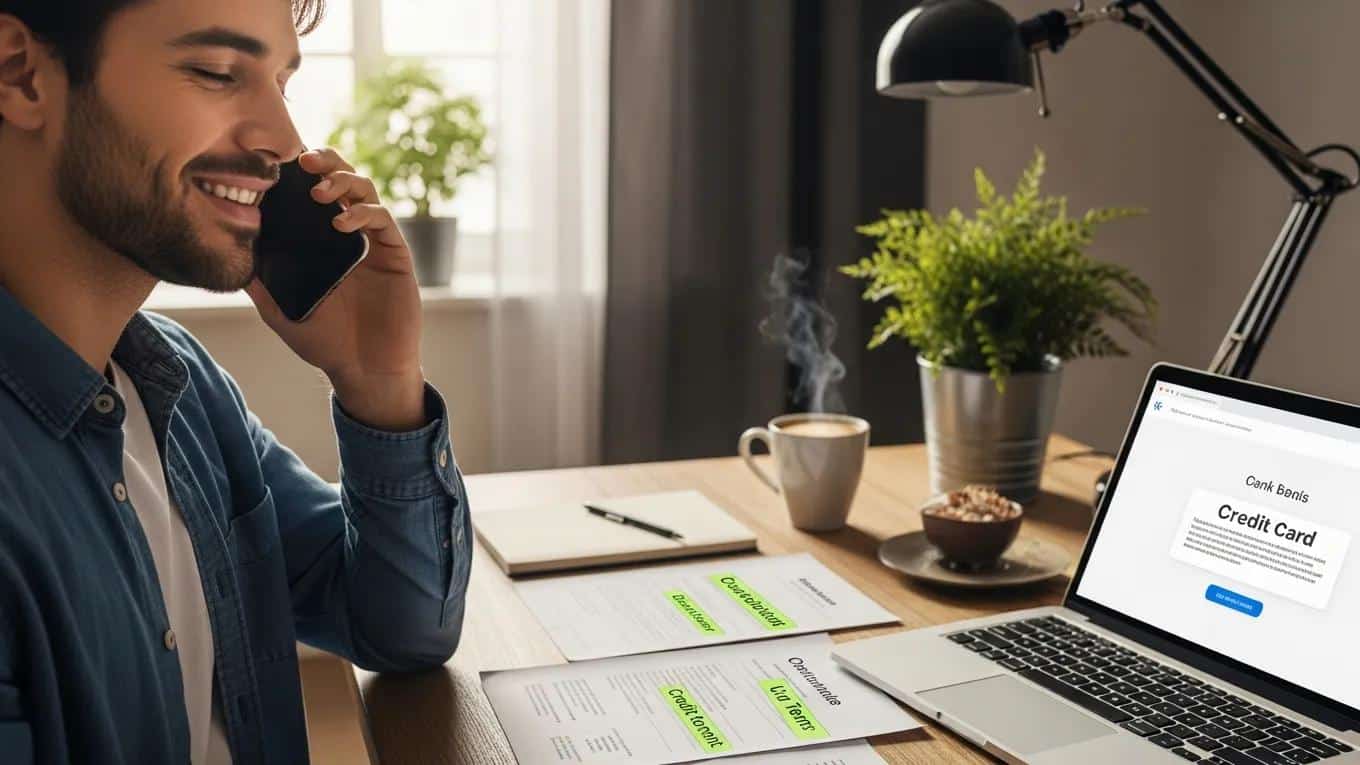
If Visa locks your card, act quickly and calmly. These steps will get you back to normal as soon as possible:
- Call the number on your card: Use the customer service number on the back of your card to reach Visa or your issuer—this is the fastest way to start resolving the lock.
- Explain what happened: Tell the representative where and when the card was declined and answer any identity-verification questions they ask.
- Follow their directions: The rep will tell you what’s needed to unlock the card—confirm any changes and ask how long it will take.
Following these steps helps speed up verification and gets your card re-enabled with minimal hassle.
Ways to Protect Your Finances:
While your card is locked, take these actions to keep your money safe and avoid surprises:
- Monitor transactions: Check recent charges for anything you don’t recognize and report suspicious activity immediately.
- Enable alerts: Turn on text or email notifications for transactions so you catch problems fast.
- Use an emergency fund: If you have one, use it for essentials while your card is locked to avoid overdrafts or missed payments.
Apps like CalendarBudget can help you track spending, move payments around, and see where to tighten up while you wait for the lock to clear.
Tips for Preventing Future Lockouts:
Take these simple steps to reduce the chance Visa will flag and lock your card again:
- Keep a predictable spending pattern: Sudden, large, or out-of-the-ordinary purchases can trigger security flags—spacing major purchases or notifying your issuer helps.
- Tell your bank before travel: Let your issuer know when and where you’ll be traveling to avoid foreign-transaction flags.
- Review your routine: Regularly check where and how you use your card and update your issuer if your habits change.
These habits make your account easier for security systems—and people—to recognize as legitimately yours.
Why Visa Locks Your Credit Card: Understanding Security Alerts
Visa locks cards mainly to stop fraud. Their systems look for activity that doesn’t match your usual behavior. Common triggers include:
- Unusual transaction patterns: Big purchases, multiple charges in quick succession, or purchases in a new location can raise alerts.
- Rising online fraud: As more shopping moves online, issuers tighten protections to prevent unauthorized charges.
- Flagged transactions: If a transaction looks risky, the system may block the card automatically to prevent further use.
Knowing what triggers locks helps you take simple steps to avoid them and respond quickly when they happen.
Payment Card Security: Technologies, User Awareness & Protection
Electronic payments are now a core part of daily commerce, and with that comes new risks for cardholders. Researchers and security teams respond by building stronger protection tools and by helping users understand safer payment habits. This review looks at both technical defenses built into payment systems and how user behavior affects security outcomes. It covers recent protection techniques and the role of consumer awareness in reducing fraud.
Enhancing Payment Card Security: A Review of Technologies, Behavioral Factors,
Threads and Protection Methods, K Hamed, 2025
How Does Visa Detect Potential Credit Card Fraud?
Visa uses a mix of real-time monitoring and machine learning to spot suspicious activity. Key methods include:
- Transaction-pattern analysis: Systems compare current charges to your historical spending to find odd behavior.
- Machine learning models: These models learn from past fraud to better identify likely threats over time.
- Suspicious activity signals: Rapid multiple charges, cross-border transactions, or unusual merchants can all trigger alerts.
These tools work together to block likely fraud while minimizing disruption for legitimate cardholders.
Machine Learning for Credit Card Fraud Detection
Researchers compare techniques like naive Bayes, k-nearest neighbor, and logistic regression to see how well they detect fraud in skewed transaction data. Ongoing analysis helps improve detection accuracy and reduce false alarms.
Credit card fraud detection using machine learning techniques: A comparative analysis, JO Awoyemi, 2017
How to Unlock Your Locked Visa Credit Card: Step-by-Step Instructions
Follow these clear steps to unlock your Visa card:
- Confirm the lock: Check your account online or call your issuer to verify the card is locked and learn why.
- Call customer service: Use the number on the back of your card to reach an agent who can start verification.
- Complete verification: Provide the requested ID info, confirm recent transactions, and follow any additional instructions to restore access.
After verification, most issuers lift the hold quickly—often within a day or two.
What Are the Steps to Unlock a Locked Visa Credit Card?
The unlocking process is straightforward and repeats the same core actions:
- Verify the lock: Make sure the card is blocked and note any messages from your issuer.
- Share details: Explain recent transactions and answer identity checks to prove the card is yours.
- Request reactivation: Ask the agent to unlock the card and confirm how long it will take.
Being prepared with recent transaction details and ID will speed up the process.
How Long Does the Visa Card Security Freeze Process Take?
Timing varies, but typical expectations are:
- Common timeline: Many locks are resolved within 24–48 hours once verification is complete.
- What affects timing: Complexity of the issue, need for documentation, or cross-issuer checks can extend the process.
Ask the representative for an estimated timeline so you can plan for any short-term payment changes.
How to Protect Your Visa Credit Card from Fraud and Security Locks
Use these steps to reduce fraud risk and avoid unnecessary locks:
- Choose secure payment options: Use virtual cards or trusted payment services for online purchases when available.
- Turn on alerts: Get notified of transactions so you can spot unauthorized activity fast.
- Check accounts regularly: Frequent reviews help you catch issues early and limit any damage.
These simple habits make your account safer and give you faster warning if something goes wrong.
What Are Effective Credit Card Fraud Protection Tips for Visa Users?
Practical steps Visa cardholders can take include:
- Stick to reputable services: Use well-known merchants and payment processors whenever possible.
- Confirm secure checkout: Look for secure payment gateways and HTTPS before entering card details.
- Reconcile statements: Regularly compare your receipts to account activity to spot discrepancies quickly.
These practices help reduce fraud and simplify recovery if a problem occurs.
How Can You Avoid Future Visa Security Alerts?
Reduce false positives and unnecessary locks with these habits:
- Make legitimate purchases: Avoid suspicious or high-risk merchants when possible.
- Watch your account: Frequent monitoring makes unusual activity easier to explain to your issuer.
- Keep alerts on: Instant notifications help you confirm transactions and prevent escalations.
Small steps now save time and hassle later.
Using CalendarBudget to Manage Your Finances After a Visa Security Lock
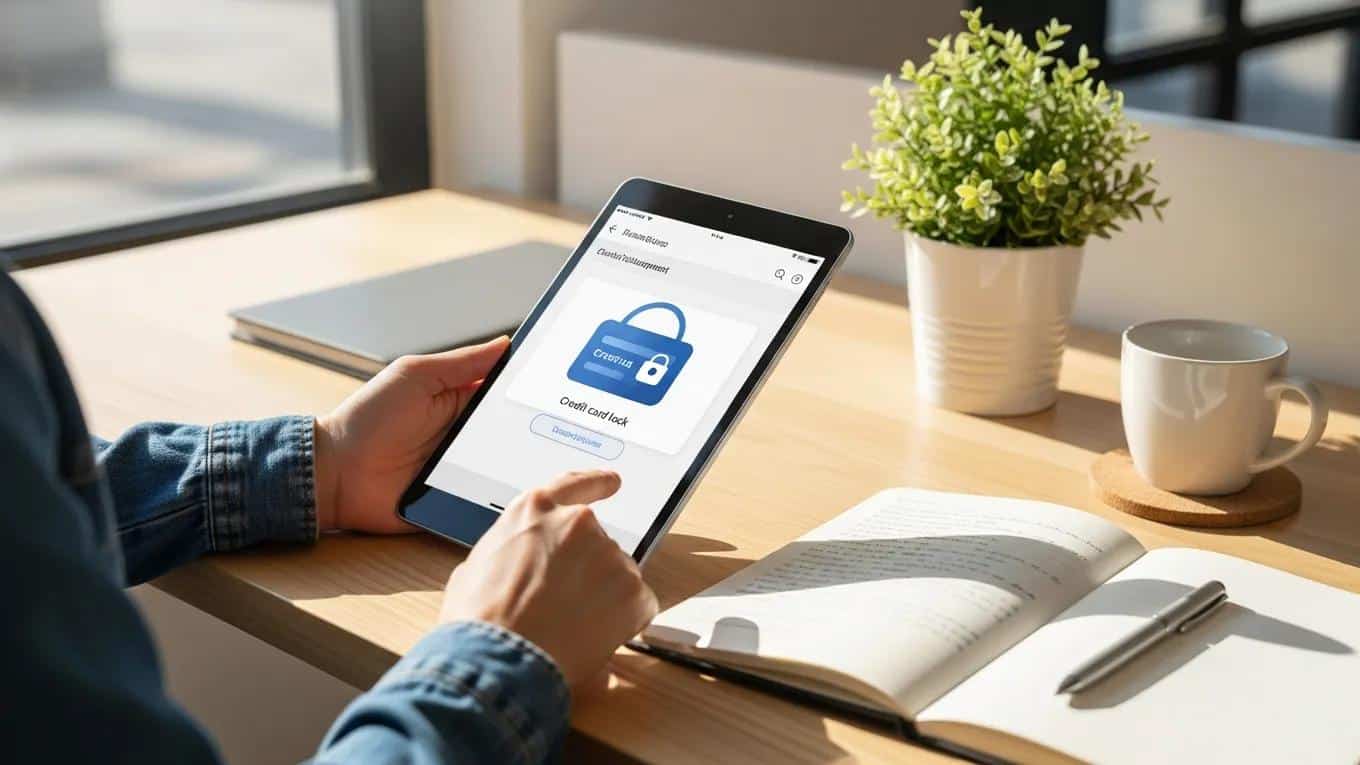
After a Visa lock, get your finances organized quickly with CalendarBudget. It helps you see cash flow, adjust budgets, and plan payments while you wait for your card to be reactivated. Here’s how to get started:
- Create an account: Sign up and connect the accounts you want to track.
- Enter your income and bills: Add recurring income and upcoming payments so you know what’s due.
- Track spending: Log expenses and monitor categories to avoid overspending while your card is locked.
Using CalendarBudget gives you a clear picture of cash flow and helps prevent missed bills or surprise shortfalls while resolving a card lock.
How Does the CalendarBudget App Help Track Expenses Post-Security Lock?
Key features that help after a security lock include:
- Expense tracking: See where your money is going and spot areas to tighten.
- Automated savings: Set aside funds for emergencies so you’re prepared next time.
- Budgeting tools: Build simple budgets and get reminders for upcoming bills.
These tools make it easier to stay on top of money while you regain full access to your accounts.
What Budgeting Tools Support Financial Recovery After a Visa Card Lock?
Useful budgeting features to look for include:
- Visual budgeting: Charts and calendars that show your spending at a glance.
- Real-time expense tracking: Up-to-date records so you can respond quickly to changes.
- Bill reminders: Alerts to prevent late payments and fees while a card is unavailable.
These tools speed recovery and reduce the stress of managing money during a temporary disruption.
Who to Contact and What to Expect When Your Visa Card Is Locked
If your card is locked, here’s who to contact and what will happen:
- Contact your card issuer: Call the number on your card for verification and help unlocking it.
- Expect identity checks: Be ready to confirm recent transactions and personal details to prove ownership.
Knowing the process ahead of time makes the experience faster and less stressful.
Frequently Asked Questions About Visa Credit Card Security Locks
Why Is My Visa Card Locked Without Unauthorized Activity?
Your card can be locked even with no clear fraud if:
- A transaction doesn’t match your usual pattern: Unusual location, merchant, or purchase size can trigger a precautionary block.
- Issuers act out of caution: Sometimes locks are preventive steps to protect you from potential risk.
Can I Use My Visa Card While It’s Locked?
No. A locked card won’t process charges until the hold is removed. Once you complete the issuer’s verification steps, your card will be reactivated and you can use it again.







Leave A Comment