
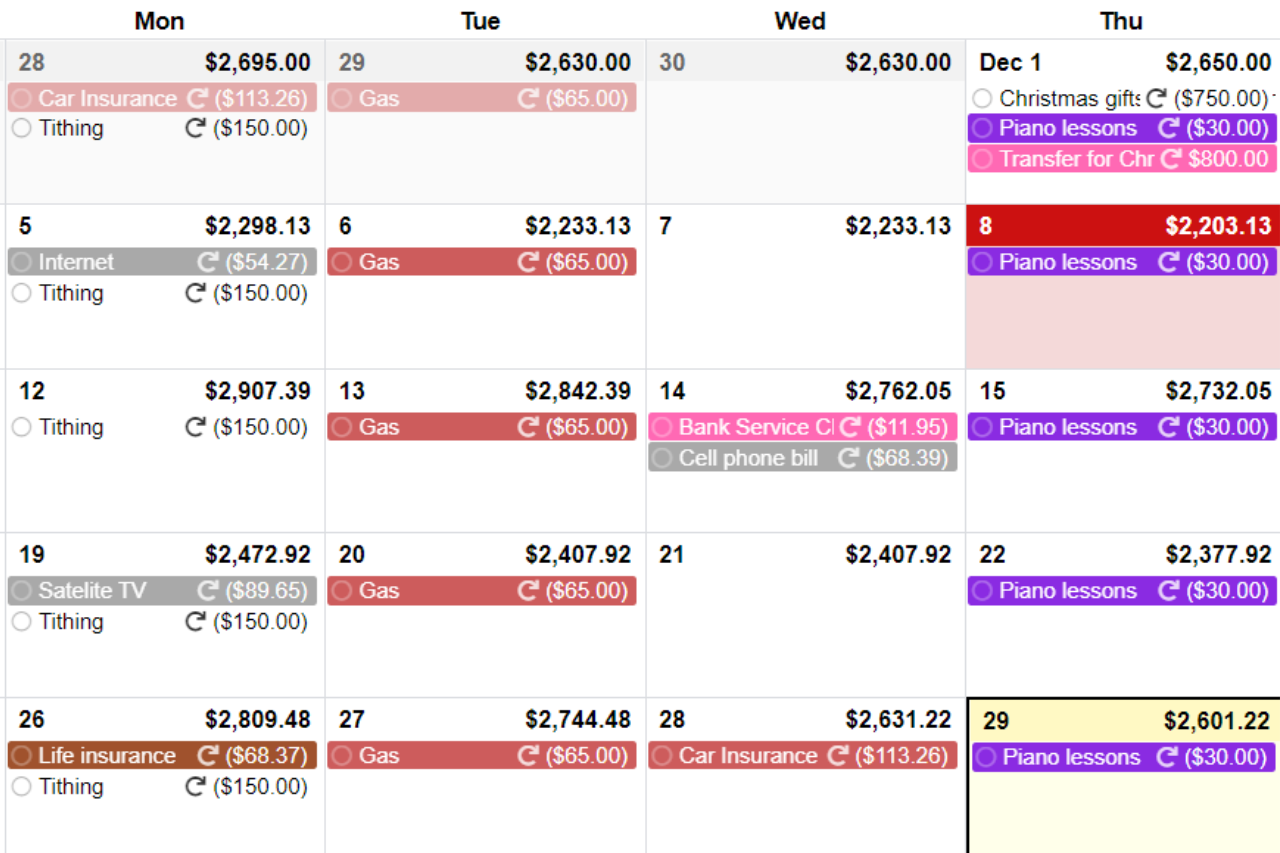
Confused about what CalendarBudget has to offer?
Watch this 90-second overview that will show you all you need to get started today.
Share This!
About the Author: Eric Poulin

Eric Poulin is the Co-Founder of CalendarBudget and co-author of Power Spending: Getting More For Less, a practical guide to making every dollar work harder. With over 25 years of software development experience and a Bachelor of Science in Computer Science, Eric brings rare dual authority to personal finance: the technical depth to build world-class budgeting tools and the lived experience to know exactly what families need from them.
Eric founded CalendarBudget in 2009 after recognizing, as a newlywed, that most budgeting tools focused on the past rather than the future. His solution — a visual, calendar-based cash flow planner — has since helped thousands of families forecast spending, eliminate financial surprises, and make confident money decisions. He has been using CalendarBudget to manage his own household finances for over 15 years, making him one of the product's most seasoned real-world users.
As a serial entrepreneur who has founded two successful businesses and raised five adult daughters, Eric has navigated virtually every family budgeting scenario firsthand — from managing day-to-day household expenses and college planning to teaching financial literacy across different life stages. That personal experience shapes everything he writes and builds.
His work has been recognized in print through Power Spending: Getting More For Less, cementing his standing as a trusted voice in practical personal finance. Whether he's writing about cash flow strategy, family budgeting, or the psychology of spending, Eric's advice is grounded in decades of both technical expertise and real-life application.






Leave A Comment