

Can Your Money Tool Import Data from My Bank? A practical guide to bank sync and automatic transaction imports
Connecting your bank data to a budgeting tool makes day-to-day money planning simpler and more reliable. This article explains how budgeting apps handle bank imports, what to expect from those integrations, and how they affect your cash flow. We’ll look closely at how CalendarBudget imports bank data, the file types it accepts, and the security steps it uses to protect your information. You’ll also find practical notes on the strengths and trade-offs of these approaches so you can decide what works best for you.
Recent studies underscore how quickly personal finance apps and web-based integrations are changing the way people manage money.
Personal Finance Management App: Budgeting & Web Integration
This paper describes a personal finance mobile app built for Android and currently in trial deployment with selected users. The app supports creating and managing a personal budget, generating financial status reports for defined periods, recording income and expenses, producing charts and visual reports, and scanning barcodes. It has been developed to work together with an existing web-based personal finance management system created by the authors.
Personal Finance Management Application, T Stefanov, 2024
How does CalendarBudget import bank data and integrate your finances?
CalendarBudget uses a straightforward file-import approach so you can bring bank transactions into your calendar view. Importing bank data is important for seeing upcoming cash flow and planning bills, and CalendarBudget’s process is built to keep that data clear and under your control.
What methods does CalendarBudget use for importing bank transactions?
CalendarBudget relies mainly on manual file uploads to import transactions. You can upload standard formats like OFX, QFX, CSV, and QIF, which covers most banks’ export options. In addition to manual file uploads, CalendarBudget now provides direct bank connections and automatic transaction syncing, offering users more flexibility in how they manage their finances.
How do manual file uploads keep your bank data secure?
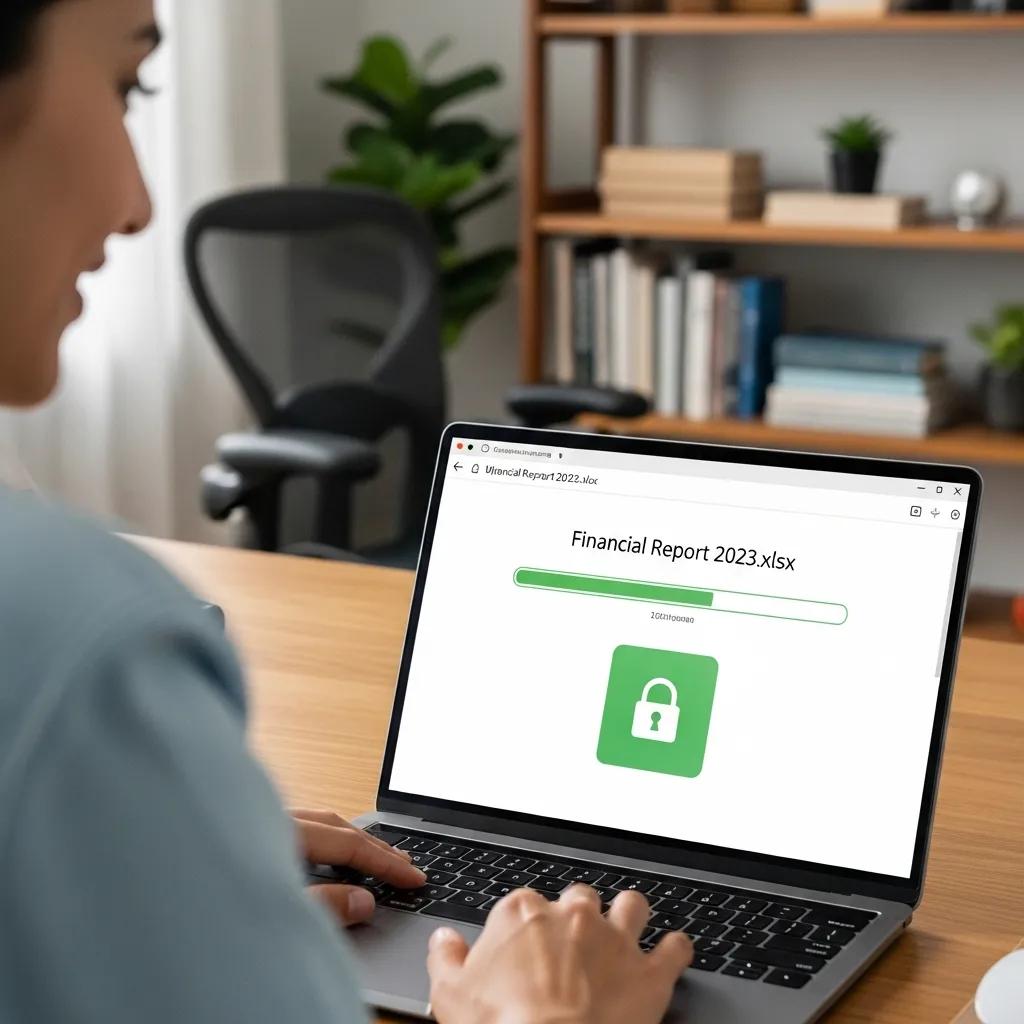
Manual uploads reduce reliance on third-party connections and let you choose exactly what to share. CalendarBudget protects uploaded files with industry-standard encryption and secure transmission practices, and it handles your data with careful access controls. That combination helps keep your financial details private while you retain control over the import process.
That said, reviews of many budgeting apps show varying levels of support for secure long-term storage of financial data.
Budgeting App Functionality & Secure Financial Data Storage
A functionality review of 45 top-rated budgeting apps finds that, while many apps include features for tracking transactions and budgets, several offer limited options for secure storage of users’ financial data.
Creating and managing transactions and budgets: analysis of marketplace descriptions and functionality review of budgeting apps, C Sas, 2025
How to Manually Import Bank Data into CalendarBudget Securely
Knowing which file types and connections an app accepts helps you plan imports from your bank. CalendarBudget supports common export formats so you can move transaction data from your bank into the app with minimal friction.
What are the supported file formats for bank data import?
CalendarBudget accepts OFX, QFX, CSV, and QIF files. These formats are commonly provided by banks and let you download transaction histories and upload them to the app. Supporting these options gives you flexibility when exporting from different institutions.
Does CalendarBudget offer direct bank feed integration?
Yes, CalendarBudget now offers direct bank feeds, allowing for automatic and secure transaction syncing. This integration provides a seamless way to keep your financial data up-to-date without manual uploads, though manual file uploads remain a supported option for those who prefer direct control.
The availability of direct bank feeds in CalendarBudget aligns with ongoing research and engineering work focused on building real-time financial data pipelines for applications.
How does CalendarBudget protect security and privacy when you add bank data?
Security and privacy are central when dealing with bank information. CalendarBudget uses established safeguards to protect your files during upload and to keep stored data secure.
What security measures protect your financial information during import?
CalendarBudget uses encryption and secure transmission protocols to protect files during manual upload and to secure data transferred via direct bank connections. These measures help prevent unauthorized access during import and storage, giving you confidence that your financial data is handled safely.
How does CalendarBudget address privacy concerns about linking bank accounts?
CalendarBudget communicates its data practices clearly and gives users control over what they share. For direct bank connections, industry-standard security protocols are used to protect your linked accounts, and you maintain control over permissions. For manual uploads, you decide which files to upload and when to update them. The app’s privacy information explains how all data is used and stored, fostering transparency and trust for responsible money management.
What are the benefits and limitations of CalendarBudget’s bank data import features?
CalendarBudget’s import tools make it possible to bring bank transactions into a visual calendar planner, but there are trade-offs to consider between control, convenience, and automation.
How does visual money planning improve control even with manual imports?

CalendarBudget’s calendar view helps you see upcoming expenses and expected income at a glance. Even if you import transactions manually, that visual layout makes it easier to plan for bills, spot gaps, and avoid surprises in your cash flow.
What are the advantages of manual versus automatic transaction entry in budgeting apps?
Automatic imports save time by pulling transactions in continuously. Manual entry or file uploads, on the other hand, give you more control: you can vet each import, correct errors, and decide what belongs in your budget. CalendarBudget supports both routes so you can prioritize accuracy and oversight when that matters most, or convenience and real-time updates with direct connections.
Each import method carries different trade-offs that affect convenience, accuracy, and user control.
Conclusion
Integrating your bank data with CalendarBudget simplifies financial management by providing a clear view of your cash flow and upcoming expenses. The combination of manual uploads and direct bank connections ensures both control and convenience, allowing you to choose the method that best suits your needs. By prioritizing security and transparency, CalendarBudget fosters trust in managing your financial information. Start optimizing your budgeting experience today by exploring CalendarBudget’s features and see how they can enhance your financial planning.








Leave A Comment